
Affiliate link — commission earned at no extra cost to you.
Affiliate link — commission earned at no extra cost to you.
I couldn't be happier with my new Kindle Paperwhite (2024 release)! The display is crisp and easy on the eyes, the battery life is outstanding, and it's incredibly fast and responsive. Having an entire library carried effortlessly in a single slim slab makes reading for long periods infinitely more comfortable than staring at a tablet screen.
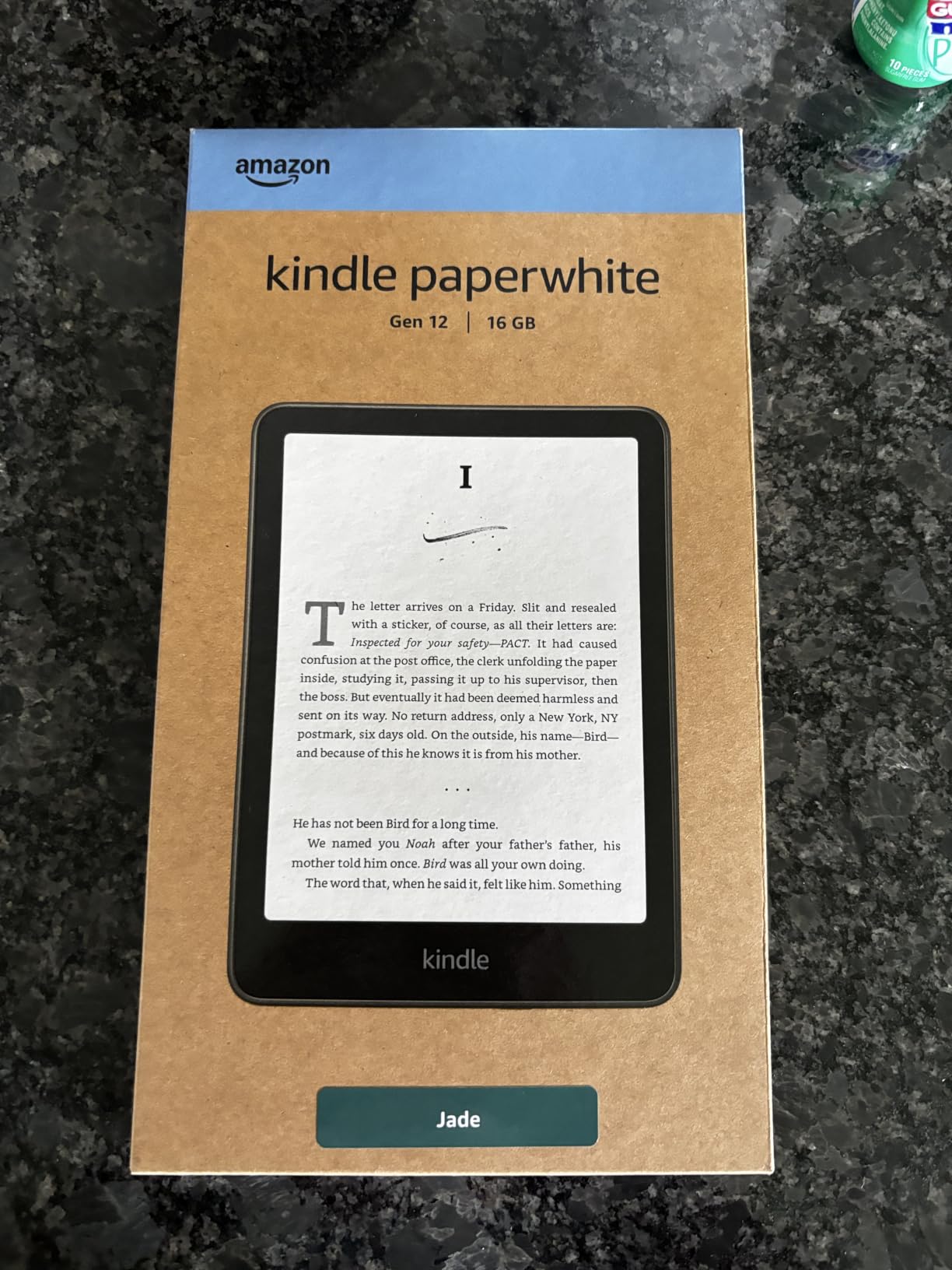 Unboxing the 12th Generation Amazon Kindle Paperwhite.
The only minor surprise out of the box was the physical footprint — at first glance, it appeared slightly smaller than expected given the jump to a 7-inch screen. However, after using it heavily, I came to appreciate how lightweight and portable it remains. It slips easily into a bag or a large coat pocket, making it ideal for travel or daily commuting.
Coming from older models (like the 2018 Paperwhite), the 2024 version is about the size of a larger paperback, but substantially lighter. I paired mine with a Jade stand case, though removing the cover when relaxing in the hot tub or pool highlights just how minimal the naked device feels. My one continuous gripe across generations remains the power button location: situated right at the bottom edge, your resting pinky or palm can accidentally brush it and put the device to sleep mid-chapter.
While color E-Ink models (like the Kindle Colorsoft) have entered the market, reviews highlight compromised contrast. The 2024 B&W Paperwhite uses E-Ink Carta technology delivering vastly superior black text contrast and razor-sharp 300 ppi clarity without the muted gray backgrounds found on color layers.
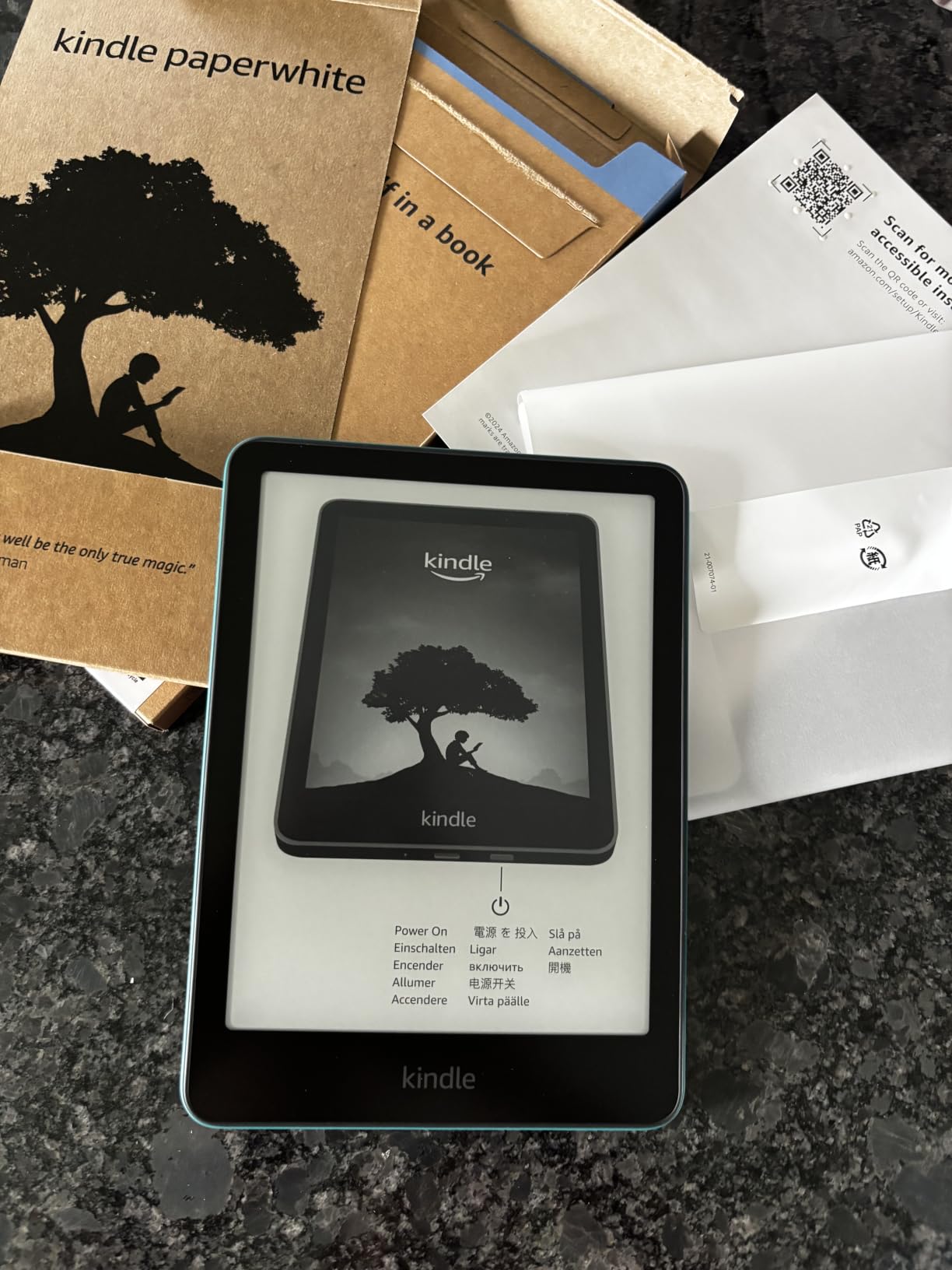 Freshly unboxed Kindle Paperwhite featuring its updated bezel design.
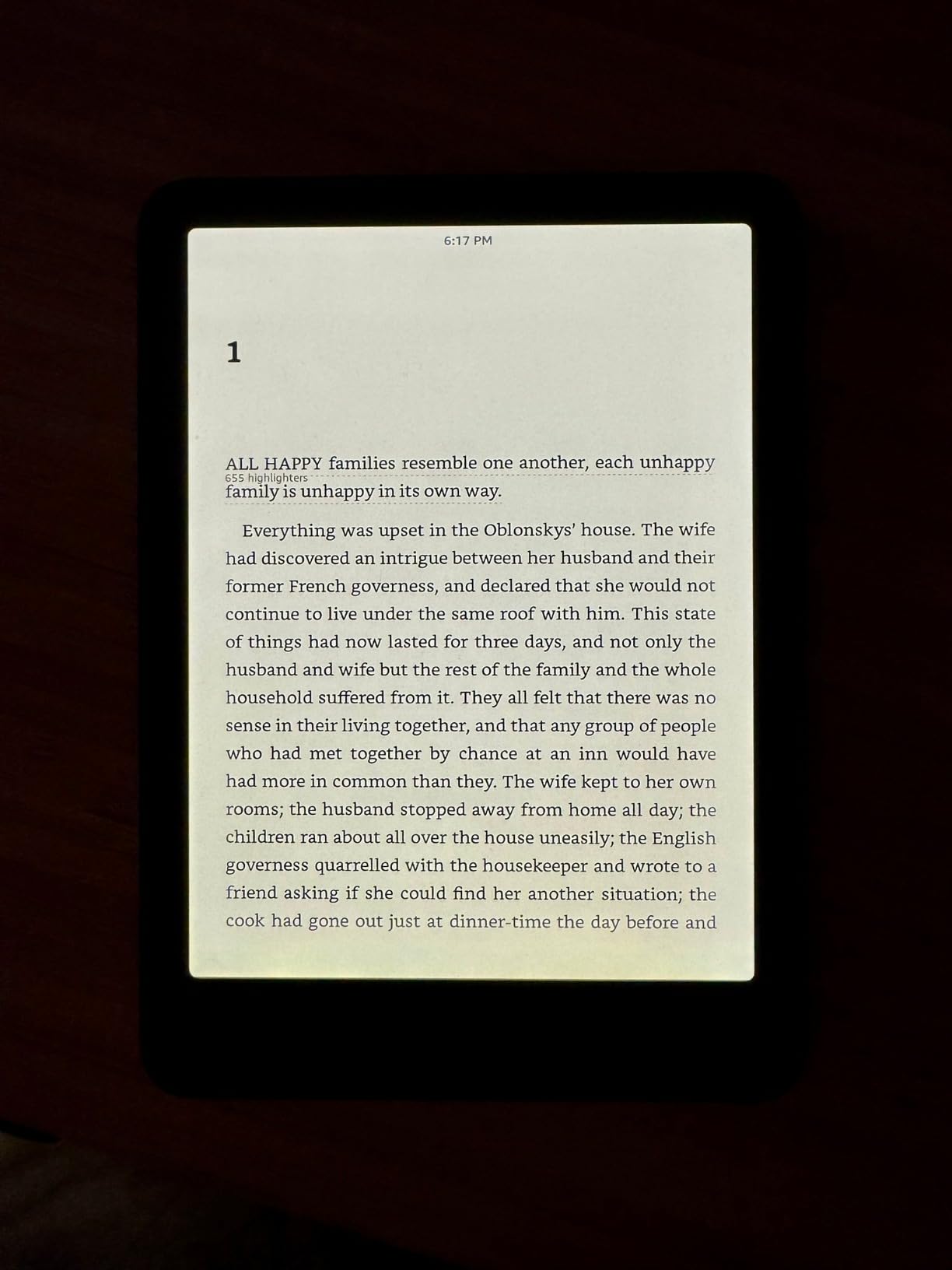
During daylight, the 300 ppi resolution looks pin-sharp. However, the real E-Ink Carta difference shines at night. Set to a low brightness level in the dark, text looks far neater, deeper, and crisper than on previous generations. The screen uniformity on our test unit was flawless across all warmth levels, with zero uneven hot spots or dark bands along the bottom edge.
 Laser-sharp text rendering under low light with adjusted warm backlighting.
This area is where you really feel the 2024 hardware upgrade. Typing in a PIN code or entering book titles into the search bar previously suffered from classic E-Ink input lag. On the 2024 Paperwhite, latency is practically gone — keying in text feels almost as instantaneous as on a modern smartphone. Page turns flip crisply with near-zero refresh flash.
 The 7-inch glare-free display handles bright outdoor ambient light effortlessly.
Where the Kindle still struggles is software navigation. Browsing the integrated Kindle Store or opening web links feels clunky and unintuitive. Managing your library — especially hiding or ignoring unwanted book recommendations without permanently deleting purchases — remains frustrating. Furthermore, WhisperSync between the Kindle and mobile apps can occasionally lag behind. However, as a dedicated reading device focused strictly on turning pages, it remains completely unrivaled.
If you're worried about damaging the screen, rest assured the build is remarkably resilient. Even without a screen protector or thick armored case, the outer chassis absorbs drops and knocks well. The semi-flexible panel construction protects internal components from impact damage that would shatter standard glass tablets.
If reading is your primary form of entertainment, the 2024 Kindle Paperwhite is a mandatory purchase. For users sitting on 2018 or earlier Kindle models, the massive boost in processor speed, USB-C charging, expanded 7-inch display, and warm lighting make upgrading completely worthwhile.
| Tier / Feature | Details | Price |
|---|---|---|
| 16GB Base Model | Standard display with lockscreen ads | $159.99 |
| 16GB Ad-Free | Standard display without lockscreen ads | $179.99 |
| Kindle Unlimited | Unlimited access to 15M+ eBooks & audiobooks | 3-Month Trial Free / $11.99/mo |
| Brand | Amazon |
| Model | Kindle Paperwhite (12th Generation — 2024) |
| Display Size | 7-inch Amazon glare-free display technology |
| Resolution | 300 ppi · Optimized font technology · 16-level gray scale |
| Storage | 16 GB (Holds thousands of books) |
| Battery Life | Up to 12 weeks (based on 30 mins/day with wireless off) |
| Charging Time | Fully charges in ~2 hours via 9W USB-C power adapter |
| Water Resistance | IPX8 (Submersion in 2 meters of freshwater for 60 mins) |
| Front Light | 17 LEDs with adjustable warm light (White to Amber) |
| Connectivity | 2.4 GHz & 5.0 GHz Wi-Fi · Bluetooth (for Audible) |
| Dimensions | 127.5 × 176.7 × 7.8 mm |
| Weight | 211 g |
| Price | $159.99 |
E-Readers · Travel · Productivity
$159.99 Buy on Amazon → Affiliate link — commission at no extra cost to you.