
Affiliate link — commission earned at no extra cost to you.
Affiliate link — commission earned at no extra cost to you.
Certified to IEC/TR 62778 and IEC/EN 62471 standards for reduced eye irritation.
Asymmetrical optical design lights your desk, not your monitor — no reflected glare.
Ambient light sensor adjusts brightness automatically; manual control from 3000K-6500K.
78 LED beads for even, true-to-life lighting — good for color-sensitive work.
The Quntis monitor light bar clips onto the top of your monitor and lights your desk directly, instead of bouncing light off your screen the way a regular desk lamp does. The pitch is simple: better lighting for reading, typing, and long screen sessions, without the glare or eye strain that comes from working under bad overhead lighting or none at all. At $39.95, it's priced well above a basic desk lamp, and that price is really the central question of this whole review.
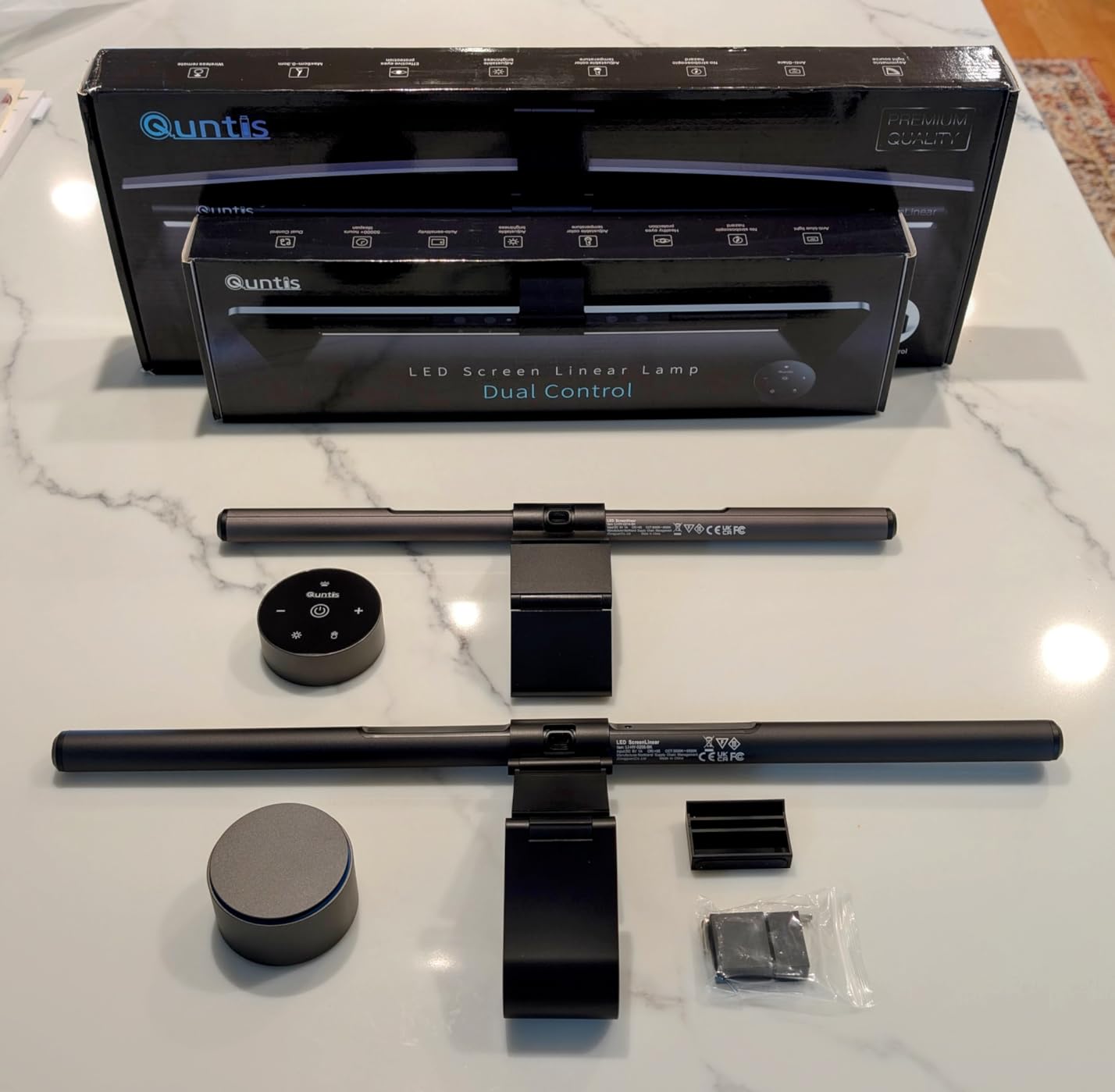
Comes in two sizes depending on your monitor width — box and both units shown here.
When it comes to the actual lighting, this thing delivers. The asymmetrical design genuinely does what it claims — it lights the desk in front of you without throwing any glare back onto your screen, which is the exact problem a lot of regular desk lamps create. The color temperature range from warm to cool (3000K-6500K) is genuinely useful depending on the time of day or task — warmer for a relaxed evening vibe, cooler and brighter for focused daytime work. Several long-term users report real reductions in eye strain and headaches after switching to this from overhead lighting alone, and that tracks with what a properly designed, non-flickering, glare-free light source should do.
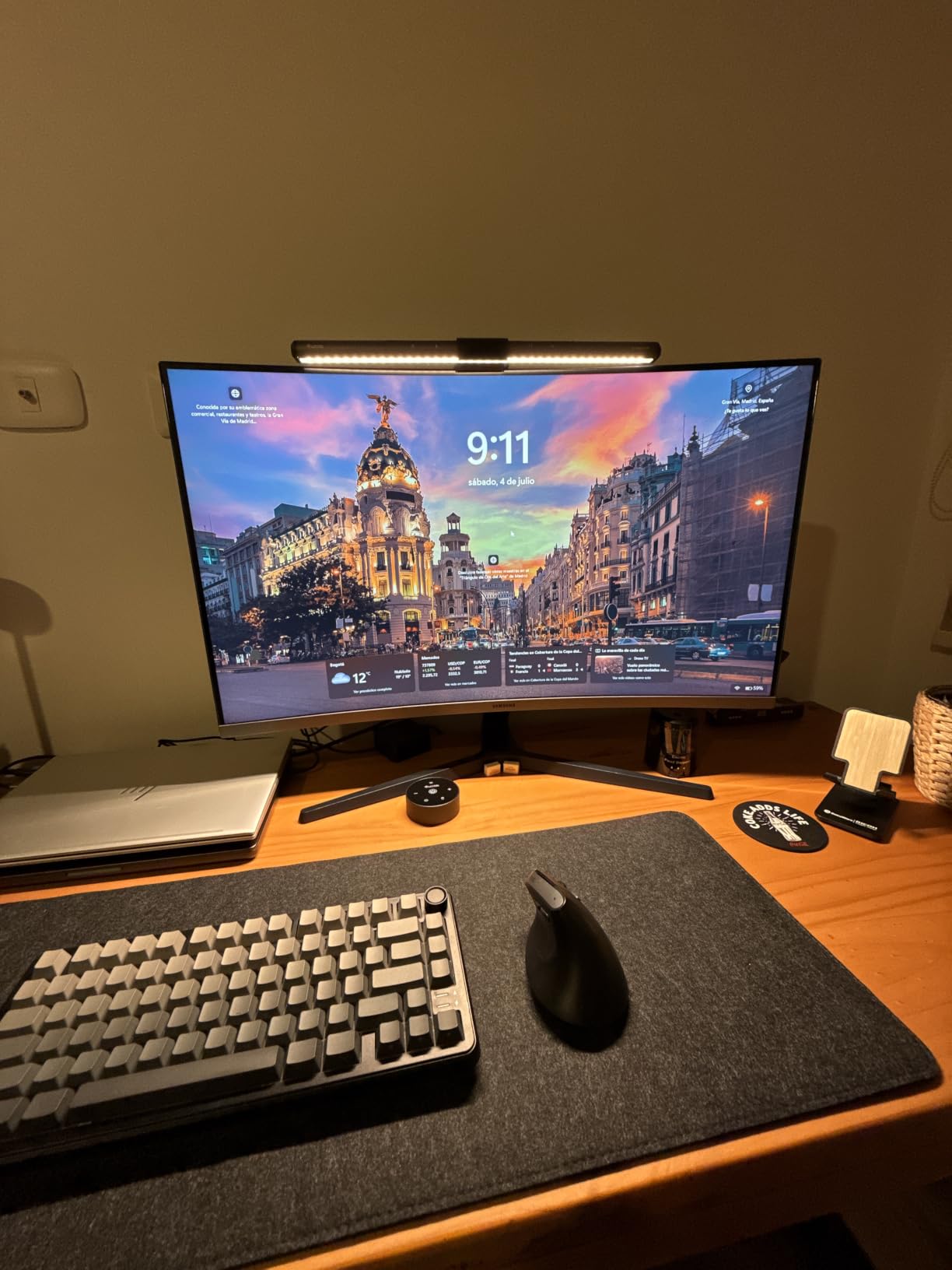
Mounted on top of the monitor — clean look, doesn't eat into desk space.
The built-in ambient light sensor does a genuinely good job adjusting brightness automatically as the room changes throughout the day — useful if you don't want to fuss with settings constantly. That said, plenty of people (myself included, based on testing) end up just picking one static brightness and color temperature they like and leaving it there, which the touch controls make easy enough. The included remote is a nice touch too and does make the whole thing feel a bit more premium than the price tag might suggest at first glance.
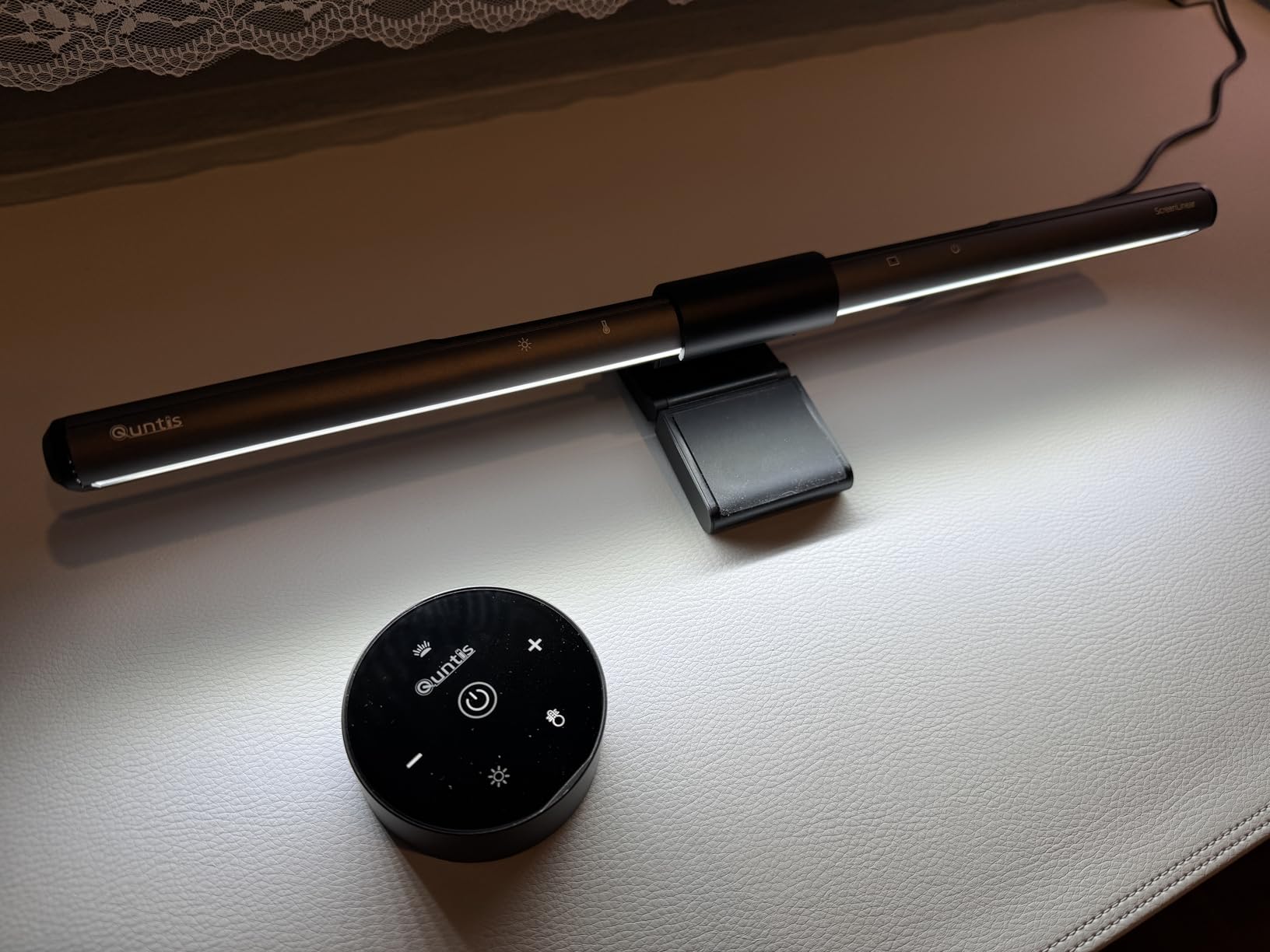
Light turned on — illuminates the desk without spilling glare onto the screen.
Here's the part I have to be honest about, because it's the most common complaint and it's a legitimate one. This clips onto the top edge of your monitor using a weighted clamp, and how well that works depends heavily on your specific monitor's shape. If your monitor has a flat, uniform top edge, installation is quick and it sits securely. If your monitor has a curved back, an uneven top, or non-standard proportions, the clamp can struggle to grip properly — some people have had to improvise with tape or folded paper shims to get it sitting level and secure. A few reviewers also found the buttons on top of the unit are flush and low-contrast (black on black), making them hard to see, and pressing them at the wrong angle can nudge the whole thing out of position.
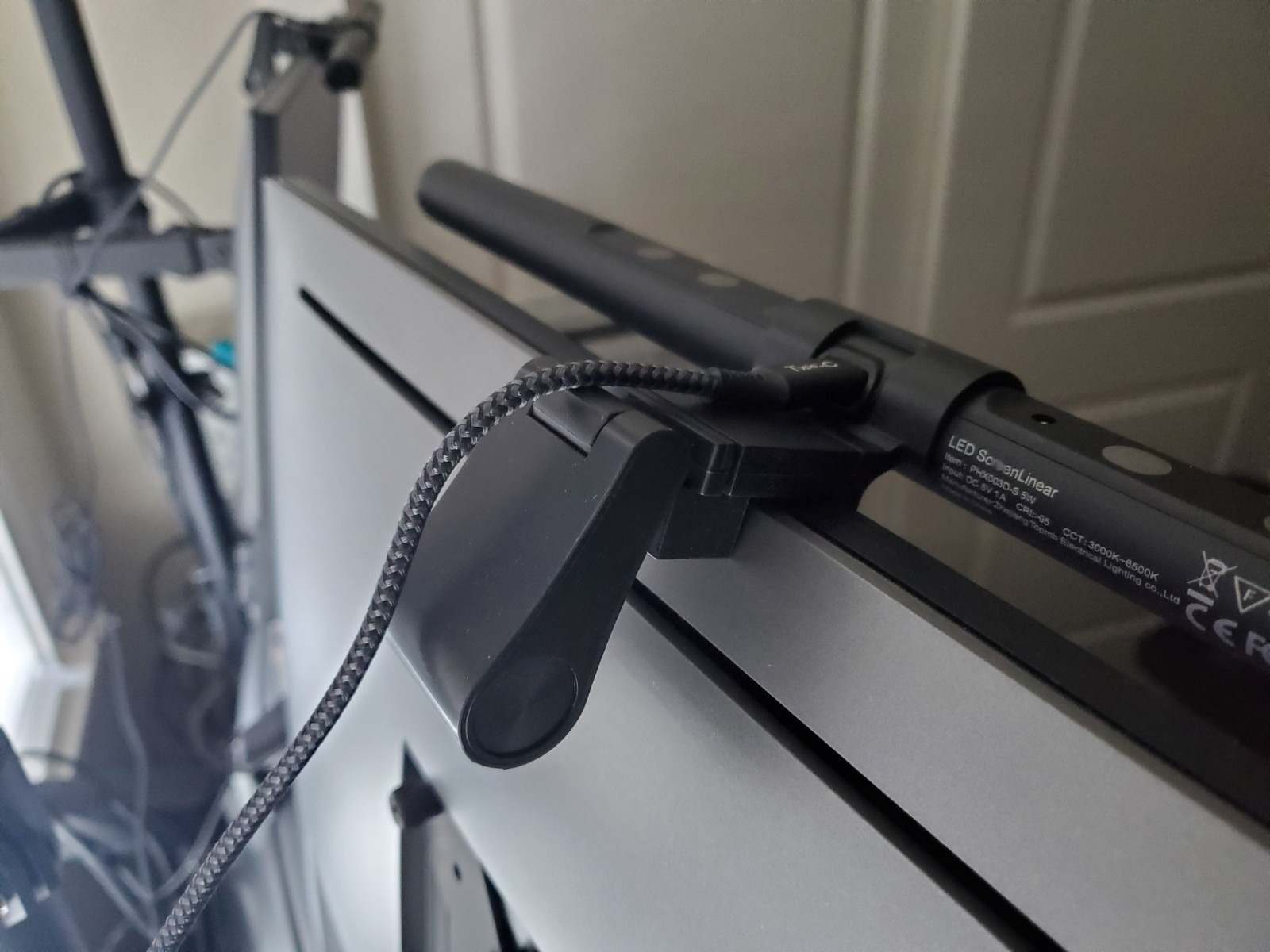
The mount from behind — check your monitor's top edge shape before buying, this is where experiences vary most.
The remote is a genuinely nice inclusion and most people have no issues with it. There is a recurring complaint worth flagging though: some units have the power button LED stay lit even when the light itself is off, which is annoying if you like sleeping in complete darkness. A smaller number of users have also reported the power button physically sticking after repeated use over time. Neither issue affects the light itself, but it's worth knowing going in, especially if remote reliability matters to you long-term.
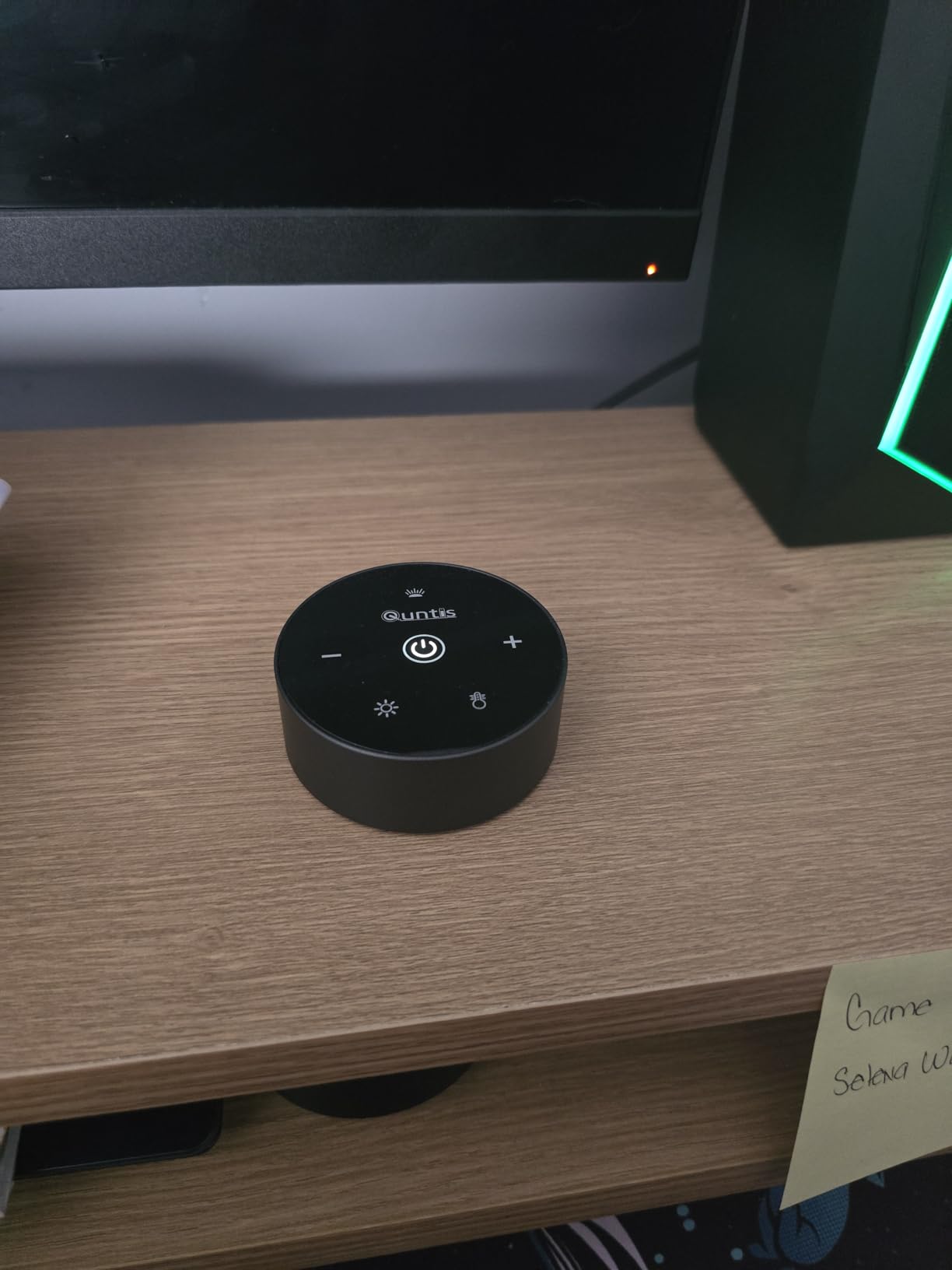
The remote — handy and premium-feeling, though the power button LED and long-term reliability are worth knowing about.
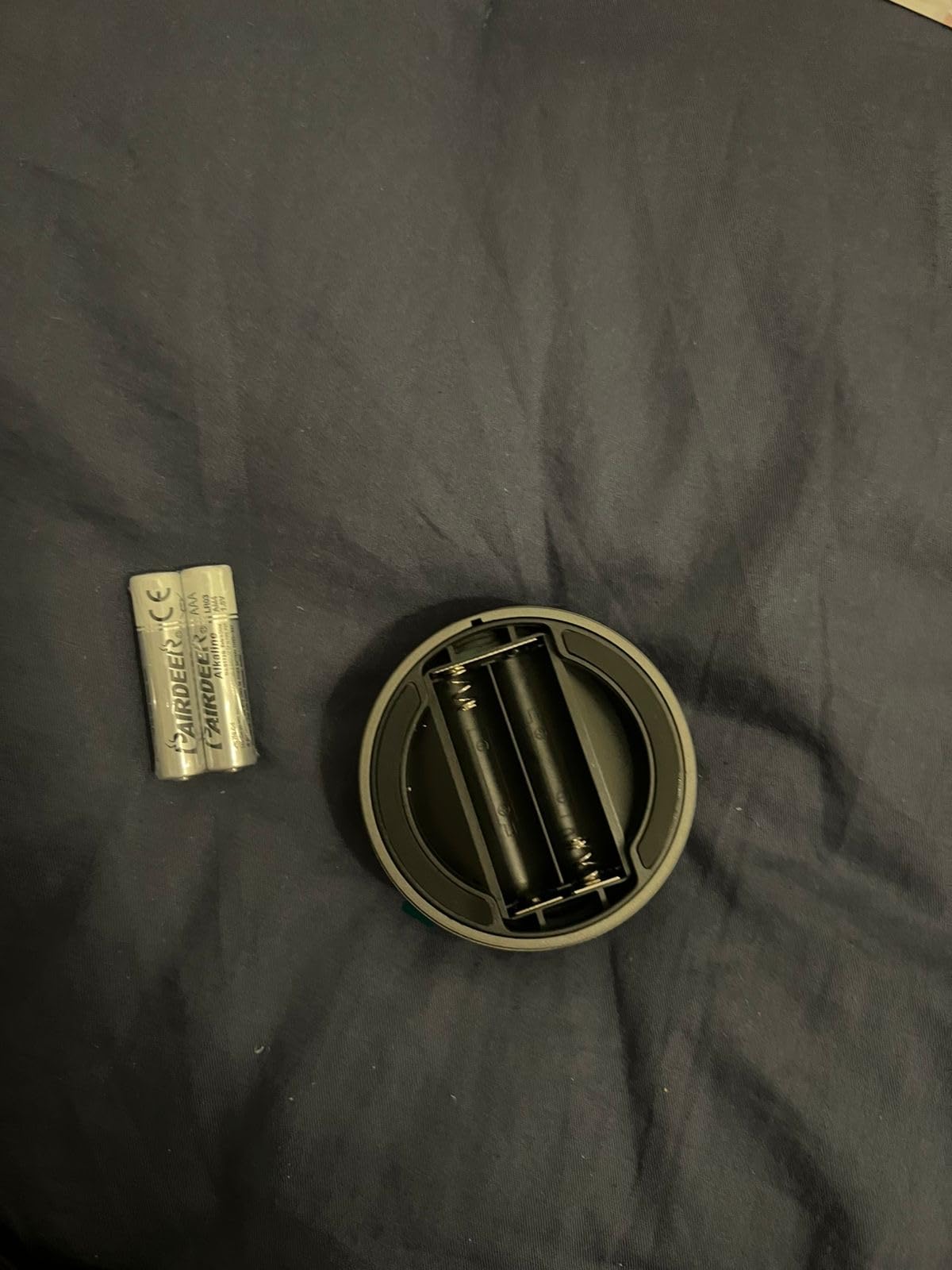
Back of the remote — simple, compact design.
This is the part that keeps me from scoring this higher. Most people are happy with it in the short-to-medium term, but there's a real pattern of complaints emerging after several months to a couple years of daily use — the hinge that holds the light in position weakening under its own weight, or light color and intensity gradually degrading over time. A smaller number of buyers have had units fail outright within days (flickering, then not turning on at all). This isn't universal — plenty of long-term owners report zero issues — but it's frequent enough across reviews that it's worth setting expectations: treat this as a genuinely nice upgrade that might need replacing sooner than a $40 price tag would suggest it should.
Honestly, this is the crux of the whole review. The lighting quality itself is excellent, and if it fits your monitor well and holds up, it's a genuinely great addition to a desk setup. But at $39.95, you're paying a premium over several cheaper monitor light bars on the market that do broadly similar things. If eye strain relief and a specific set of features here (the auto-dimming, the Ra98 color rendering, the remote) matter enough to you to justify that premium, go for it. If you're mainly looking for basic no-glare desk lighting and want to spend less, it's worth comparing against lower-priced alternatives before committing to this one specifically.
If you have a monitor with a flat top edge, spend long hours at a screen, and want genuinely good glare-free lighting with fine-tuned control over brightness and color temperature, this is a solid pick — just go in aware of the mounting variability and the mixed long-term durability reports. If you're on a tighter budget or have a monitor with an unusual back shape, it's worth checking compatibility carefully or considering a cheaper alternative first.
| Brand | Quntis |
| LED Beads | 78 |
| Color Rendering Index | Ra98 |
| Color Temperature Range | 3000K – 6500K |
| Brightness | Auto-dimming up to 900 lux, stepless manual control |
| Blue Light / Flicker | Certified IEC/TR 62778, IEC/EN 62471 |
| Mounting | Weighted clip, top-of-monitor mount |
| Controls | Touch control + included remote |
| Power | USB powered |
| Price | $39.95 |
No-Glare Eye Care Lighting · Auto-Dimming · Touch Control
$39.95 Buy on Amazon → Affiliate link — commission at no extra cost to you.